FORMS using COPILOT in Excel
Create Forms Using Microsoft COPILOT in Excel – Complete AI Automation Guide
Microsoft Excel is evolving rapidly with AI-powered features, and one of the most powerful additions is Microsoft Copilot integration. Users can now create smart forms directly inside Excel using AI automation, making survey creation, employee feedback collection, and data gathering faster than ever.
If you want to improve productivity, automate repetitive work, and simplify form creation inside Microsoft 365, this guide will help you understand how to use Copilot in Excel effectively.
What is Microsoft Copilot in Excel?
Microsoft Copilot is an AI-powered assistant integrated into Microsoft 365 applications like Excel, Word, Outlook, and Teams. In Excel, Copilot helps users automate tasks, generate reports, analyze data, and now even create intelligent forms directly from simple prompts.
This feature combines the power of Microsoft Forms and Excel automation to create a seamless workflow for businesses, HR teams, educators, analysts, and professionals.
How to Create Forms Using Copilot in Excel
Creating forms inside Excel with Microsoft Copilot is simple and efficient. Instead of manually building questionnaires and surveys, users can now generate complete forms using AI-generated prompts.
Step-by-Step Process
Step 1: Open Excel in Microsoft 365
Launch Microsoft Excel from your Microsoft 365 account and create a new workbook.
Step 2: Navigate to the Insert Tab
Inside the Excel ribbon menu, click on the Insert tab to access Microsoft Forms integration.
Step 3: Select “New Form”
Choose the New Form option available inside Excel. This connects Excel with Microsoft Forms.
Step 4: Save Workbook to OneDrive
To activate Copilot features and cloud-based automation, save the workbook to OneDrive.
Step 5: Launch Copilot
Open Microsoft Copilot inside Excel and enter a simple instruction or prompt.
Example prompts:
- Create an employee feedback survey
- Generate a customer satisfaction form
- Build a training evaluation questionnaire
- Create an HR assessment form
Step 6: Let AI Generate the Form
Copilot automatically creates professional questions, response structures, and optimized layouts based on your request.
Step 7: Share the Form
Share the generated form link with employees, customers, students, or teams.
Step 8: Monitor Responses in Excel
All responses are collected directly inside Excel spreadsheets for real-time analysis and reporting.
Benefits of Using Copilot Forms in Excel
Microsoft Copilot dramatically improves efficiency and reduces manual effort in form creation.
Key Advantages
- AI-powered form generation in seconds
- Automatic survey and questionnaire creation
- Real-time response collection inside Excel
- Improved productivity and workflow automation
- Seamless Microsoft 365 integration
- Cloud collaboration using OneDrive
- No coding or technical skills required
- Faster reporting and analytics
These features make Copilot ideal for HR operations, training departments, customer support teams, educational institutions, and business analysts.
Why AI Automation in Excel Matters
AI automation is transforming how organizations manage data collection and reporting. Traditional form creation takes time and often requires repetitive manual work. With Copilot in Excel, businesses can automate surveys, audits, employee feedback systems, and operational reporting with just a few clicks.
The integration between Excel, Microsoft Forms, and AI-powered Copilot allows organizations to:
- Save time
- Improve data accuracy
- Reduce repetitive tasks
- Enhance collaboration
- Make faster business decisions
As AI adoption grows across industries, Excel automation tools like Copilot are becoming essential for modern digital workplaces.
Best Use Cases for Excel Copilot Forms
Microsoft Copilot Forms can be used across multiple industries and business functions.
Popular Use Cases
HR & Recruitment
- Employee feedback surveys
- Candidate assessment forms
- Training evaluation forms
Customer Support
- Customer satisfaction surveys
- Service quality feedback forms
- Complaint management forms
Education
- Student feedback forms
- Quiz and assessment creation
- Course evaluation surveys
Business Operations
- Audit checklists
- Internal process reviews
- Performance tracking forms
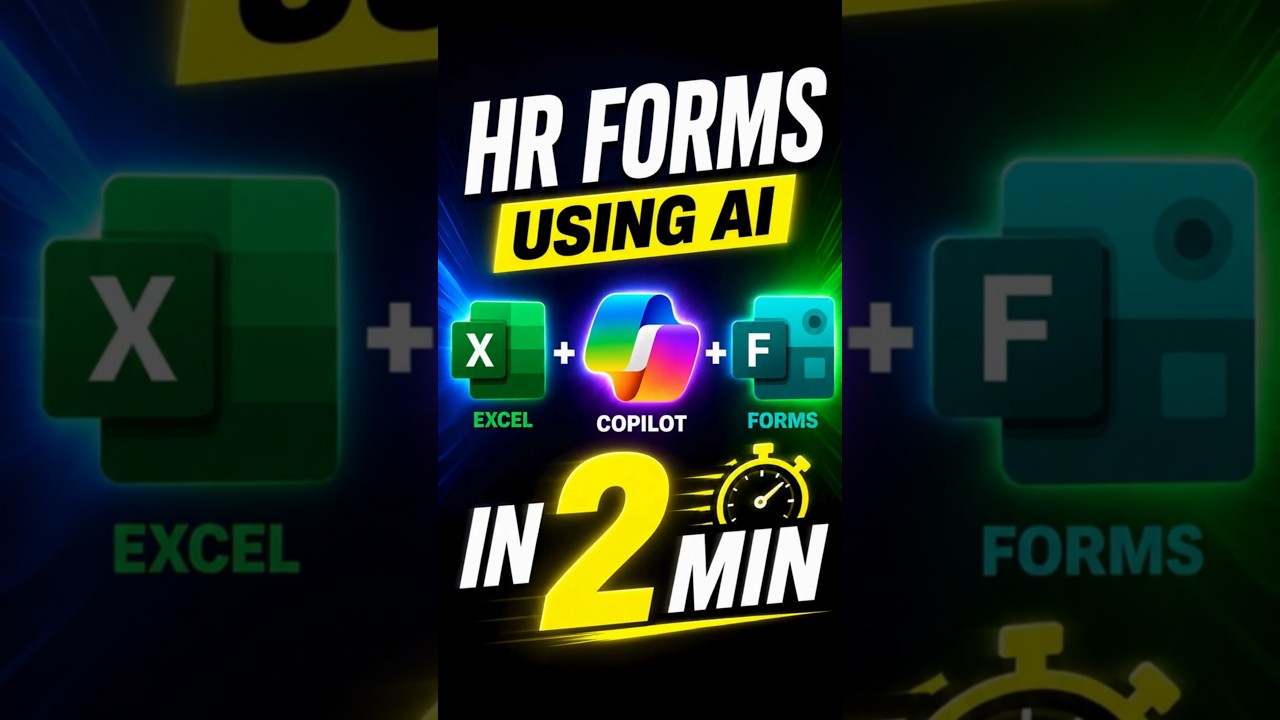
Create Forms using COPILOT in Excel
Learn how Microsoft Copilot helps you instantly create smart forms directly inside Excel with AI-powered automation and real-time response collection.
Watch Full Video Tutorial
How to Create Forms Inside Excel Using Microsoft Copilot
Microsoft Excel now integrates with Microsoft Forms and Copilot, allowing users to create surveys, employee feedback forms, questionnaires, and smart data collection systems directly from Excel. This AI-powered workflow significantly reduces manual work and improves productivity.
To begin, open a fresh Excel workbook inside Microsoft 365 and navigate to the Insert tab. Select the New Form option and save the workbook to OneDrive cloud storage. Once connected to the cloud, Copilot enables intelligent form drafting features.
The AI assistant can generate complete surveys from simple prompts such as employee feedback forms, HR assessments, customer satisfaction surveys, training evaluations, and operational audits. Copilot automatically creates optimized questions and structures the form professionally.
Benefits of Using Copilot Forms in Excel
- Generate forms instantly using AI prompts.
- Collect responses directly inside Excel spreadsheets.
- Save hours of manual survey creation.
- Ideal for HR teams, analysts, educators, and businesses.
- Cloud-based collaboration with OneDrive integration.
- Real-time response syncing and automation.
- Professional form generation without coding knowledge.
Step-by-Step Process
- Open Excel in Microsoft 365.
- Go to the Insert tab.
- Click New Form.
- Save the workbook to OneDrive.
- Launch Copilot draft feature.
- Enter your form generation prompt.
- Allow AI to generate the survey automatically.
- Share the form link with users.
- Monitor all responses directly inside Excel.
Why AI Automation in Excel is Important
AI automation inside Excel improves productivity, reduces repetitive work, and helps organizations make better decisions faster. With Copilot and Microsoft Forms integration, businesses can automate feedback collection, audits, surveys, and reporting systems in just a few clicks.
Explore More Resources
Connect with Discover Talent Presents
Discover Talent Presents shares AI tutorials, Excel automation guides, business productivity tips, educational podcasts, online learning resources, and technology communities. Follow all official platforms above for regular updates and advanced tutorials.


Comments