Text to Column in Excel
How Data Analysts Turn Messy Excel Data Into Clean Insights in Minutes
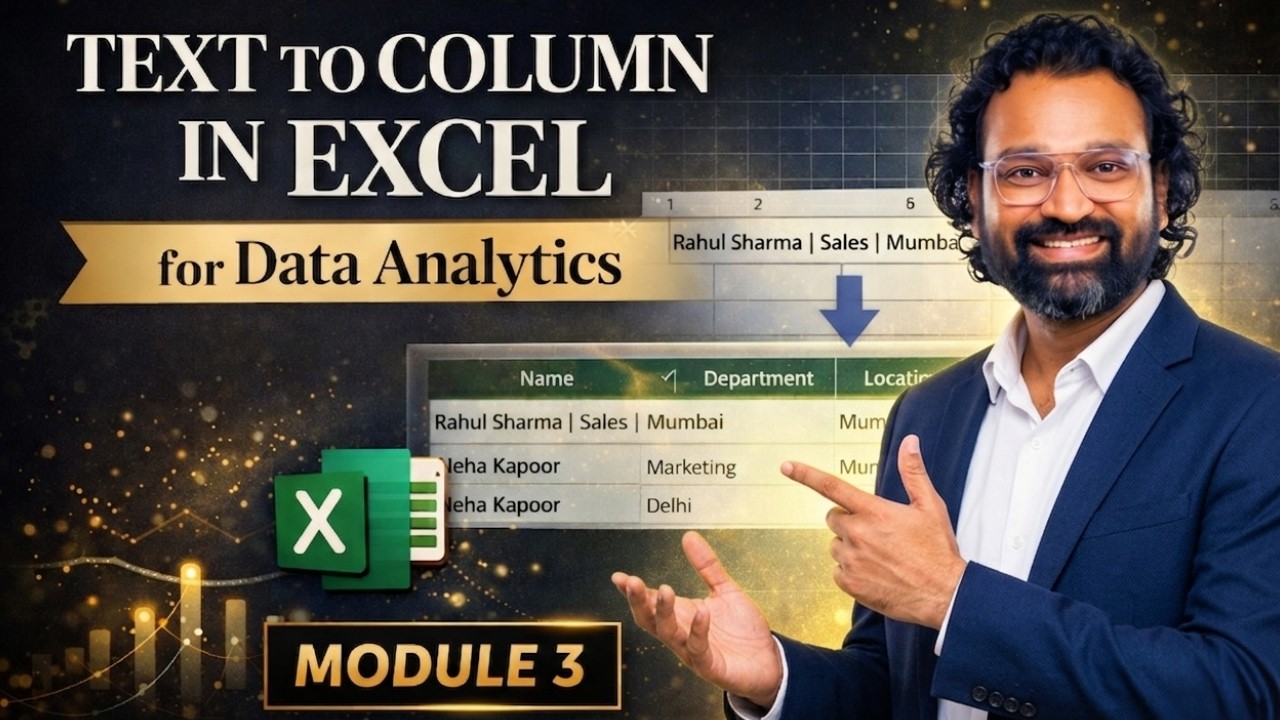
In the world of data analytics, raw data rarely arrives in a clean, structured format. Instead, professionals often face spreadsheets where everything is compressed into a single column — making analysis nearly impossible.
This is where one of Excel’s most underrated tools becomes a game-changer: Text to Columns.
The 80% Rule of Data Analytics
Industry professionals consistently report that nearly 80% of their time is spent preparing and cleaning data. Without structured data, even the most advanced dashboards and reports fail to deliver meaningful insights.
Garbage In, Garbage Out remains the defining principle.
What Is Text to Columns?
Text to Columns is a powerful Excel feature that allows users to split a single column into multiple columns using delimiters such as commas, spaces, or custom characters.
It is particularly useful when working with CSV exports, system-generated reports, or poorly formatted datasets.
A Real-World Data Cleaning Scenario
Imagine receiving a dataset where names, emails, and phone numbers are all combined into one field. Without separation, this data is unusable.
Using Text to Columns, analysts can instantly transform this cluttered dataset into structured, analysis-ready information.
The Professional Workflow
The process is simple yet powerful:
- Select the messy data column
- Navigate to Data → Text to Columns
- Choose "Delimited"
- Select appropriate delimiters (comma, pipe, space)
- Preview and finalize
Why This Skill Matters
Mastering this technique is foundational for anyone pursuing a career in data analytics. Whether you're handling CSV files or preparing dashboards, structured data is non-negotiable.
Excel for Data Analysts: Everything You Need to Know (Handbook)
This workflow is part of a broader ecosystem of skills every analyst must master. From data cleaning to visualization, Excel continues to be a cornerstone tool in the analytics industry.
Full Interactive Guide
Join the Discover Talent Community
Subscribe on YouTube Visit Official Website Join Discord Join LinkedIn Group Follow LinkedIn Page Explore Quora Follow Instagram Join Threads Explore Pinterest Enroll in Udemy Course Visit GitHub Leave a Review Join Reddit Find on JustDialAll Rights Are Reserved by Discover Talent™


Comments