Remove Duplicate in Excel
Mastering Data Cleaning
Remove Duplicates in Excel: The Ultimate Guide for Modern Analysts
Discover Talent Editorial
April 2026
Verified Strategy
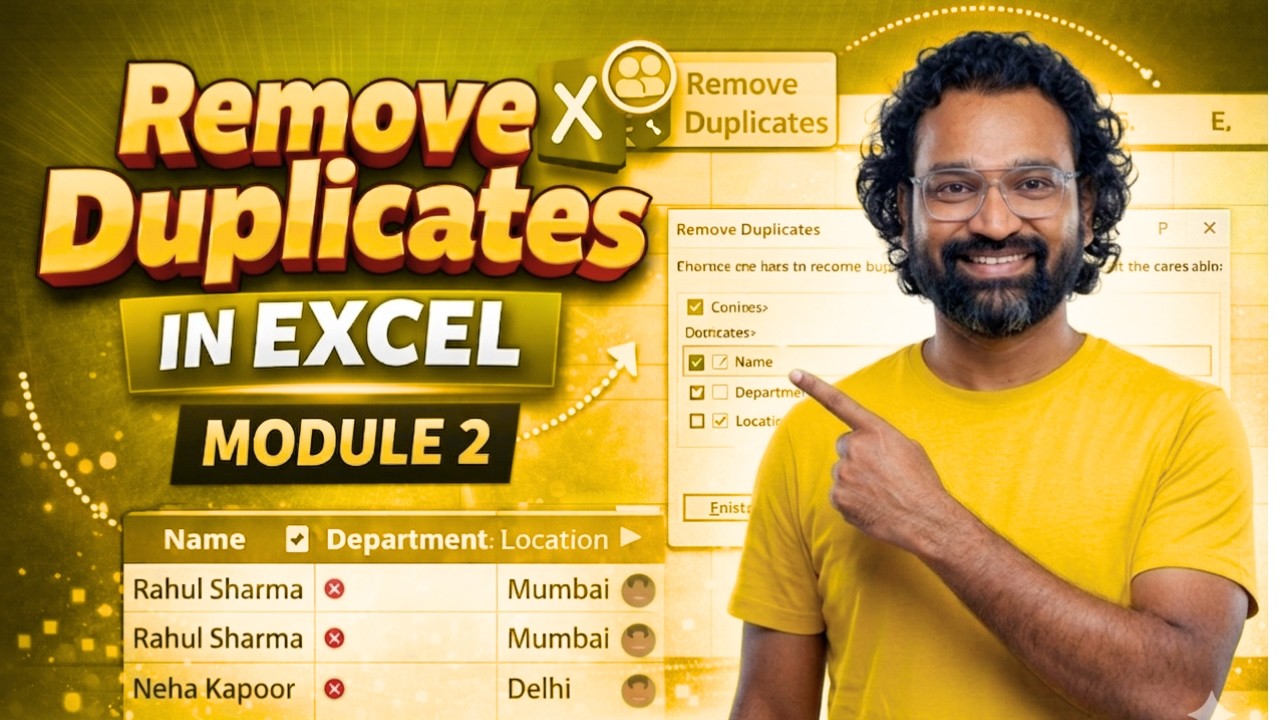
YouTube / Discover Talent Presents
"Hidden duplicates and invisible characters can silently destroy your analysis. Before building any dashboard, removing duplicates is your first step to accuracy."
The Analyst's Dilemma
Many analysts assume their data is clean—but hidden duplicates, inconsistent text formatting, and invisible characters can silently destroy your analysis. These issues lead to incorrect KPIs, flawed dashboards, and poor business decisions.
Core Steps to Remove Duplicates
- 01. Select your entire dataset (Ctrl+A).
- 02. Navigate to Data → Remove Duplicates.
- 03. Confirm your headers and columns.
Professional Cleaning Formulas
Fix Case Issues
=PROPER(A1)
Remove Hidden Spaces
=TRIM(A1)
Clean Non-Printables
=CLEAN(A1)


Comments