Excel Expense Template FREE Download
Excel Expense Dashboard Tutorial (Step-by-Step for Data Analysts)
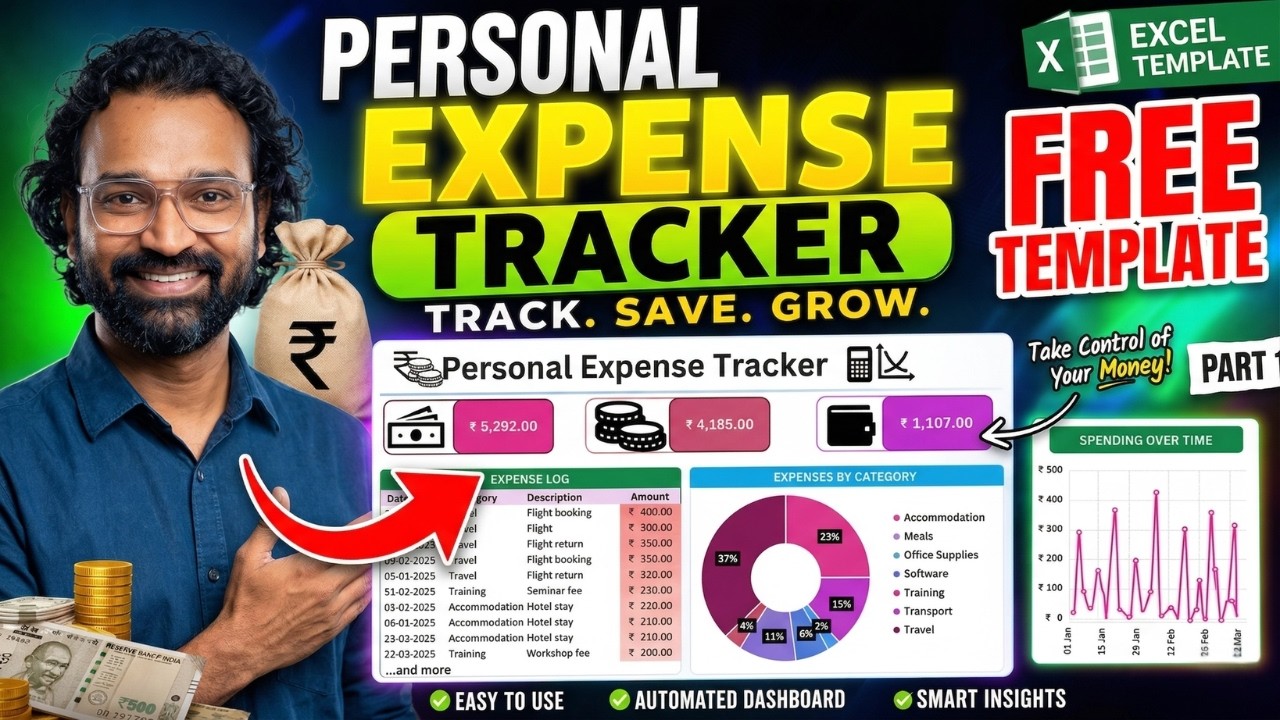
Looking to build a professional Excel expense dashboard? This complete tutorial will teach you data cleaning, formulas, and real-world analytics used by companies.
Perfect for beginners and aspiring data analysts who want job-ready Excel skills.
📌 Table of Contents
- Data Cleaning
- Structuring Data
- Calculations
- Monthly Analysis
- Business Logic
🔍 What You Will Learn
- Excel dashboard tutorial step-by-step
- Excel expense tracker creation
- Data cleaning techniques
- SUMIFS formulas
- Excel for data analysts
🧹 Data Cleaning
Use Text-to-Columns, TRIM function, and remove duplicates to prepare clean structured data.
📁 Structuring Data
Convert raw data into Excel tables using Ctrl + T for scalability and automation.
📈 Calculations
Use SUM and SUMIFS formulas to calculate total and conditional expenses.
📅 Monthly Analysis
Apply TEXT(Date, "MMM") to analyze monthly trends and business insights.
💼 Business Logic
Understand reimbursable vs non-reimbursable expenses like real finance teams.
📘 Bonus Learning
Excel for Data Analysts: Everything You Need to Know (Handbook)
🚀 Become Job-Ready in Excel & Data Analytics
Learn dashboards, automation, and business analytics skills.
Subscribe Now🌐 Connect with Discover Talent
All Rights Are Reserved by Discover Talent™


Comments