Create OMR Sheet in MS Word
🔥 Create OMR Sheet in MS Word (No Software Needed)
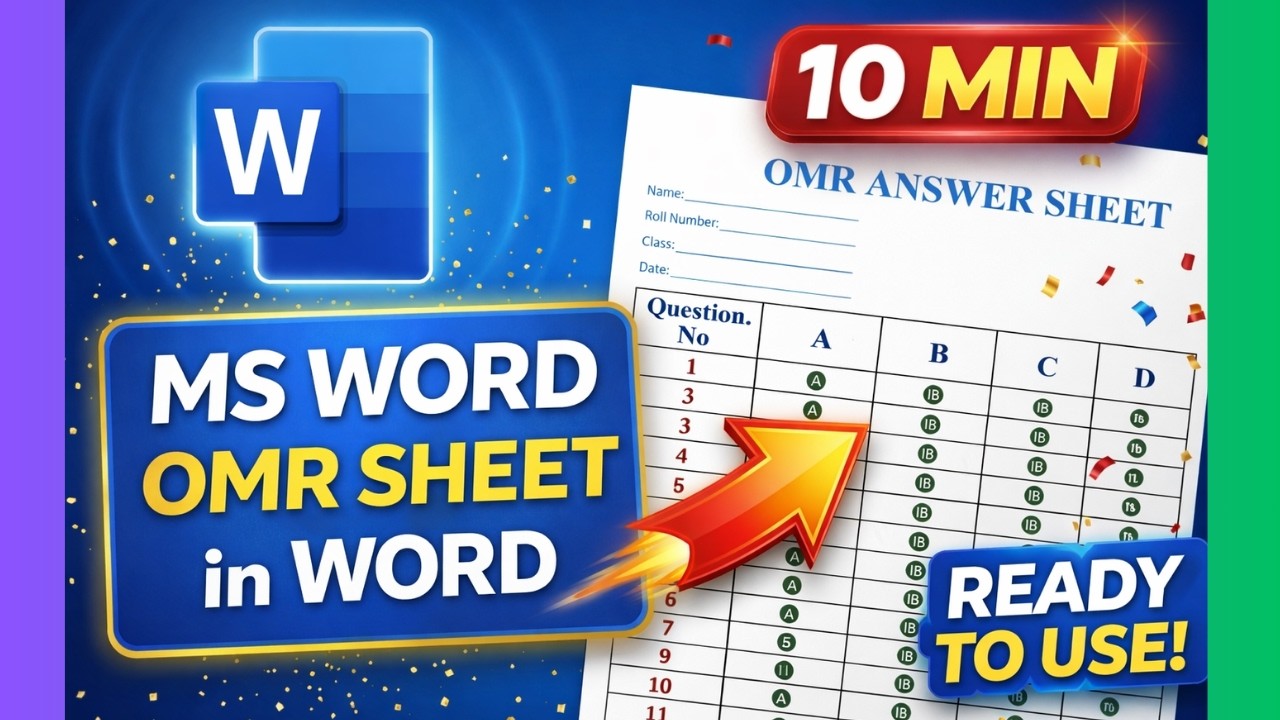
Creating a professional OMR sheet without expensive tools is now possible using just Microsoft Word. This guide helps you design clean, printable OMR sheets quickly and efficiently.
🚀 Step-by-Step Guide
1. Setup Document
Set margins, A4 size, and portrait orientation.
Set margins, A4 size, and portrait orientation.
2. Add Details Section
Name, Roll Number, Class, Date fields.
Name, Roll Number, Class, Date fields.
3. Insert Table
Create columns for questions and options.
Create columns for questions and options.
4. Create OMR Bubbles
Use ALT+X Unicode trick.
Use ALT+X Unicode trick.
5. Format Design
Apply fonts, borders, spacing.
Apply fonts, borders, spacing.
6. Export PDF
Convert to printable format.
Convert to printable format.
💡 Why This Method Works
No paid software, fully customizable, and beginner-friendly. Perfect for teachers, students, and institutions.
❓ FAQs
Can I create OMR sheet in Word?
Yes, easily.
Yes, easily.
Do I need software?
No.
No.
Is it printable?
Yes.
Yes.
🚀 Join Discover Talent
Learn smart tools, shortcuts & real-world skills.
Subscribe YouTube
Join Discord
LinkedIn Group
Instagram
Website
GitHub
Reddit
Udemy
JustDial
Review
Quora
Threads
Pinterest
Company
All Rights Are Reserved by Discover Talent™


Comments