Excel Attendance in 5 Seconds
Stop Manual Attendance in Excel: Track Late Arrivals & Early Logouts Instantly
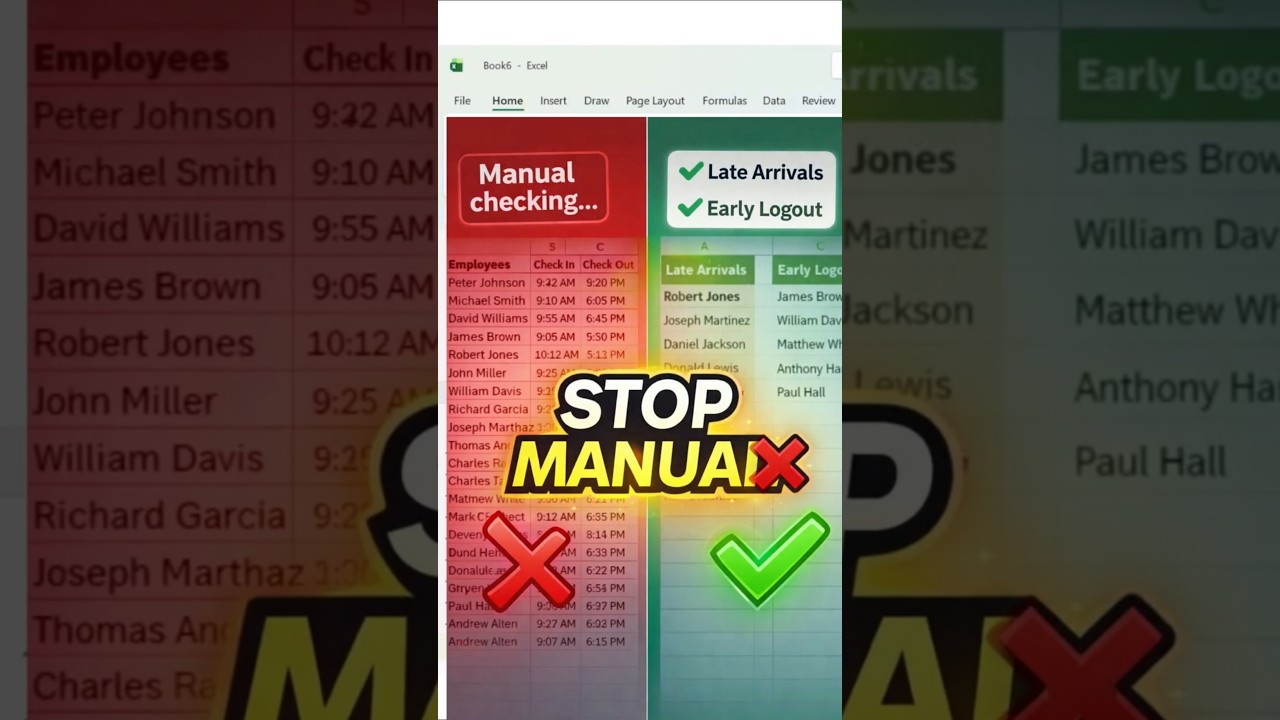
🎥 Watch the Quick Tutorial
Why Manual Attendance Tracking is a Waste of Time
If you're still checking employee attendance manually in Excel, you're losing valuable time every single day. Scanning rows, comparing check-in and check-out times, and identifying late arrivals or early logouts manually is not only inefficient but also prone to errors.
In today's fast-paced work environment, automation is no longer optional—it's essential.
The Smart Excel Formula That Changes Everything
Using the powerful FILTER function in Excel (and Google Sheets), you can instantly extract employees who:
- Arrived late
- Left early
This eliminates manual checking completely and delivers results in seconds.
Step-by-Step: Identify Late Arrivals
- Define your official login time (e.g., 9:30 AM)
- Select employee names and check-in data
- Apply the FILTER function with condition: check-in time greater than official time
- Lock the reference using F4 ($ symbol)
Step-by-Step: Detect Early Logouts
- Set your official logout time (e.g., 6:00 PM)
- Use FILTER function again
- Apply condition: check-out time less than official time
- Fix reference using dollar signs
Pro Tip: Fix Hidden Results Issue
- Check if text is hidden
- Use auto-fit or increase column width
Benefits of This Excel Trick
- ⏱ Saves hours of manual work
- 📊 Improves productivity
- ❌ Reduces human errors
- ⚡ Works instantly
- 📈 Compatible with Excel 365 & Google Sheets
Who Should Use This?
- HR professionals
- Managers
- Business owners
- Anyone handling attendance
Final Thoughts
Manual attendance tracking is outdated. With just one formula, you can automate everything and save valuable time daily.
Keywords: excel attendance formula, late arrival excel formula, early logout excel, excel filter function tutorial, employee attendance excel, automate attendance excel, excel tips productivity, google sheets attendance formula, excel formulas for hr, excel automation tricks, excel shortcuts, excel for beginners, excel hr tools, attendance tracking excel sheet, excel productivity tips, excel filter function example, excel office 365 formulas, automate hr tasks excel, excel time tracking formula, excel data filtering, smart excel tips, excel dashboard tips, excel formula tricks, excel for office work, attendance automation tools, excel smart techniques, excel hr analytics, google sheets tricks, excel learning for beginners, excel advanced formula
All Rights Are Reserved by Discover Talent™


Comments