Top 25 Microsoft Excel Shortcuts to Work Faster and Smarter
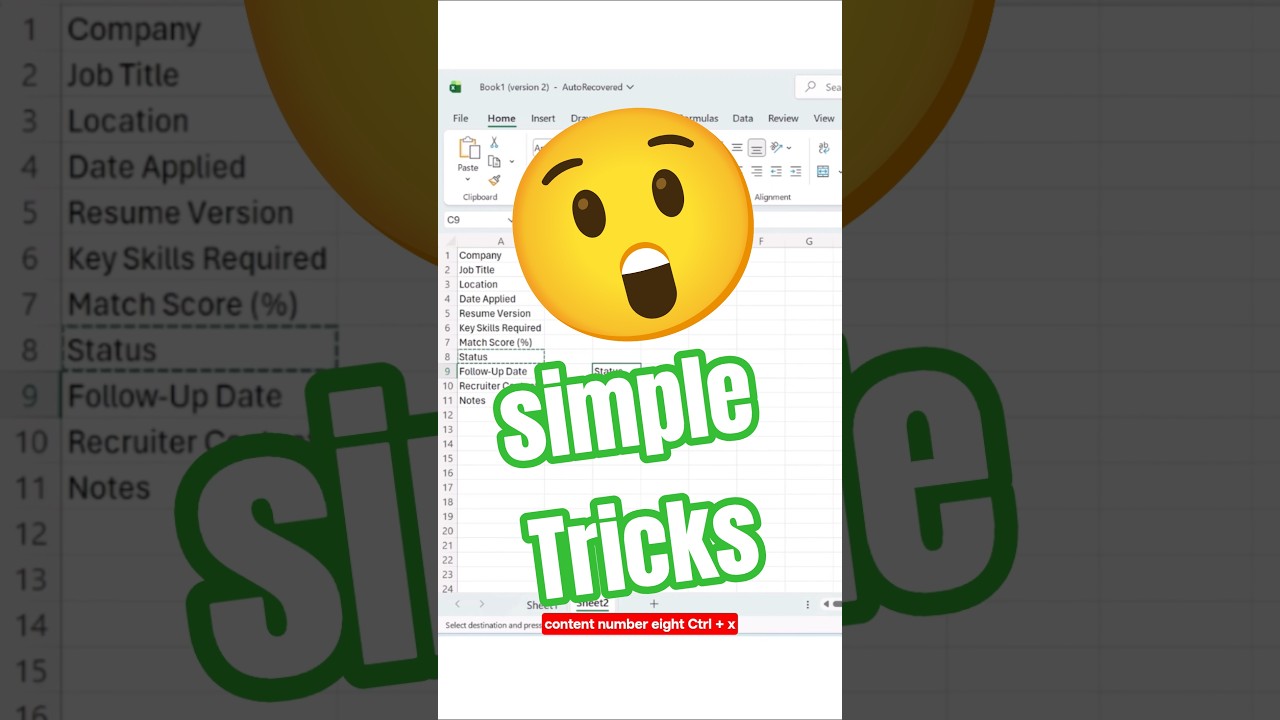
If you want to dramatically increase your productivity in Microsoft Excel, mastering keyboard shortcuts is non-negotiable. These 25 essential Excel shortcuts are used by professionals to work faster, improve accuracy, and execute tasks efficiently.
File Management Shortcuts
- Ctrl + N – Create a new workbook instantly.
- Ctrl + S – Save your file and prevent data loss.
- Ctrl + P – Open the print window immediately.
Editing Essentials
- Ctrl + Z – Undo your last action.
- Ctrl + Y – Redo the last action.
- Ctrl + C – Copy selected content.
- Ctrl + V – Paste copied content.
- Ctrl + X – Cut selected content.
- F2 – Edit the active cell quickly.
Navigation Shortcuts
- Ctrl + Arrow Keys – Jump to the edge of data.
- Ctrl + Home – Go directly to cell A1.
- Ctrl + End – Move to the last used cell.
- Ctrl + G – Open the Go To dialog box.
Search and Data Tools
- Ctrl + F – Find any word, number, or value.
- Ctrl + H – Find and replace instantly.
- Ctrl + Shift + L – Turn filters on or off.
- Ctrl + T – Convert data into a professional table.
- Alt + = – Insert AutoSum instantly.
Formatting & Structure
- Ctrl + B – Bold text.
- Ctrl + I – Italicize text.
- Ctrl + U – Underline text.
- Ctrl + 1 – Open Format Cells dialog box.
- Ctrl + Shift + + – Insert a new row or column.
- Ctrl + - – Delete a row or column.
- Ctrl + Enter – Fill all selected cells simultaneously.
Why Excel Shortcuts Matter
Using these shortcuts daily transforms the way you work. You will complete tasks faster, appear more professional, and stand out in any workplace. Productivity is not about working harder — it’s about working smarter.
Talent becomes skill. Skill becomes power. Keep practicing. Keep improving. Keep leading.
Read the Full Professional Breakdown Here:
View the Complete Blog Article
Share This Article
All Rights Are Reserved by Discover Talent™
Comments