Remove rows in excel
By Discover Talent
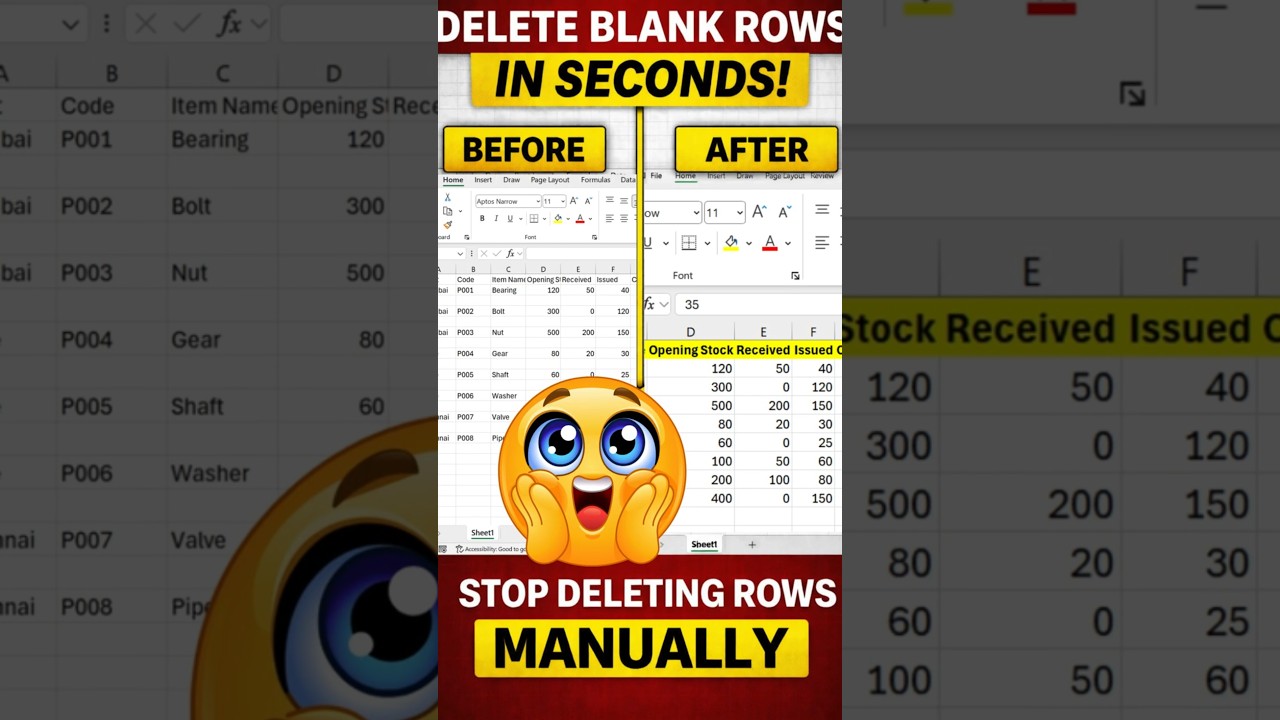
Remove Blank Rows in Excel Instantly – Supply Chain Time Saver
Inventory reports exported from ERP or SAP systems often contain unnecessary blank rows that slow down analysis and reporting. Manually removing these rows is inefficient and error-prone.
Supply chain professionals rely on speed and accuracy. This simple Excel shortcut allows you to remove all blank rows from your dataset in seconds — no formulas, no macros, no risk.
The Excel Method Used by Professionals
- Select the entire dataset
- Press Control + G
- Click Special
- Select Blanks
- Right-click and choose Delete
- Select Entire Row
All empty rows are instantly removed, leaving a clean, structured inventory report ready for audits, dashboards, or uploads.
Watch the Quick Demo
Why This Matters in Supply Chain
Clean data improves forecasting accuracy, cycle counting, vendor reconciliation, and operational visibility. Small Excel efficiencies like this compound into major time savings across teams.
Related Reads
- Excel Tricks Every Supply Chain Analyst Should Know
- How to Clean ERP Data Before Reporting
- Inventory Audit Mistakes and How to Avoid Them
Follow Discover Talent for practical Excel, analytics, and supply chain optimization insights.


Comments