Excel Financial Analysis
Excel Financial Analysis: Profit Margin, ROI & Growth Trends
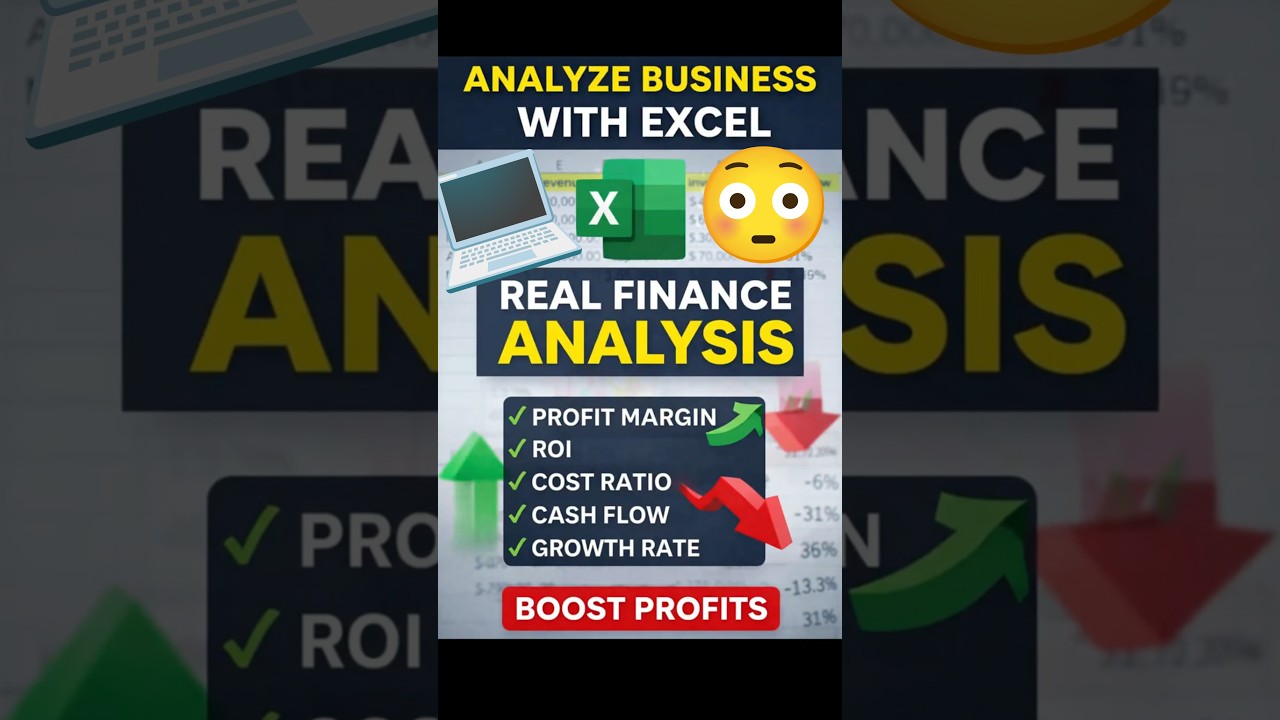
Most people use Excel only for SUM and AVERAGE — but real professionals use it for financial analysis and decision-making.
In this guide, you’ll learn how to transform raw data into powerful business insights using essential Excel formulas used in real companies and interviews.
📊 1. Profit Margin
Measure how efficiently your business converts revenue into profit.
=Profit / Revenue
📈 2. Return on Investment (ROI)
One of the most important metrics for startups and business growth.
=Profit / Investment
⚙️ 3. Cost Efficiency
Evaluate how effectively resources are utilized.
=Output / Cost
💧 4. Cash Flow Strength
Cash flow determines business sustainability and growth capability.
=Cash Flow / Revenue
📉 5. Growth Trend
Frequently asked in interviews and critical for forecasting.
=(Current - Previous) / Previous
🚀 Why You Must Learn This
These formulas help you move from basic Excel usage to advanced analytics. They are essential for data analysts, finance professionals, and job seekers.
📘 Excel for Data Analysts
Boost your career with Excel for Data Analysts: Everything You Need to Know (Handbook) — your complete roadmap to mastering Excel.


Comments