Excel Onboarding Tracker Free Download
Employee Onboarding Training Tracker in Excel with XLOOKUP
By Discover Talent Editorial Team
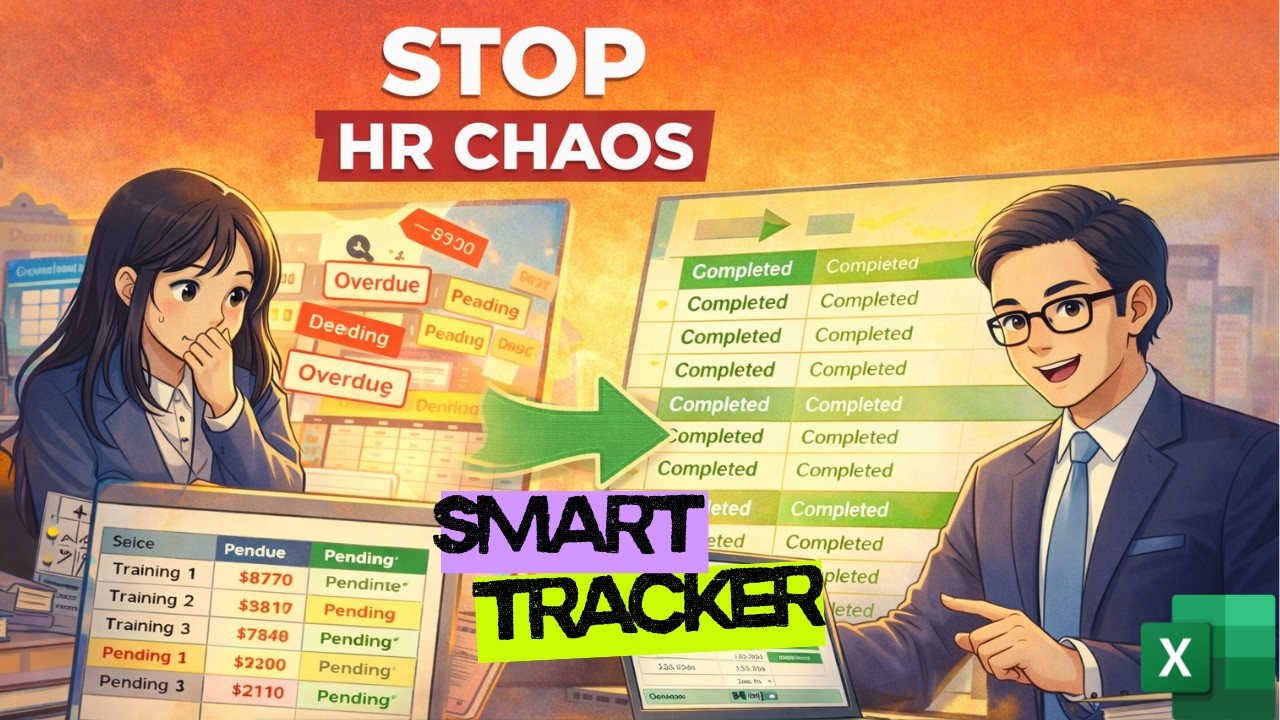
HR teams, startup founders, and operations managers often struggle with manual onboarding tracking. In this step-by-step tutorial, Discover Talent builds a fully automated Employee Onboarding and Training Tracker in Excel using structured tables, XLOOKUP, conditional formatting, and dashboard reporting.
What This Excel System Does
- Tracks employee training automatically
- Calculates due dates based on joining date
- Highlights overdue training in red
- Shows completion percentage
- Creates a clean dashboard for management
Core Excel Logic Used
This system leverages:
- Structured Tables (TBL_Employees & TBL_Modules)
- XLOOKUP for employee and module data retrieval
- Due Date = Start Date + Training Due Days
- IF logic for Completed / Pending / Overdue
- Conditional Formatting for visual alerts
Why HR Teams Need This
This tracker eliminates manual errors, reduces compliance risk, improves visibility for leadership, and creates instant reporting dashboards without complex VBA or macros.
Watch Full Video Tutorial
Explore More from Discover Talent
Read on Official Site
Reddit Community
Subscribe on YouTube
Official Website
Join Discord
LinkedIn Company
GitHub
Udemy Excel Course
Review on Google
For advanced dashboard versions with slicers and automation enhancements, stay connected with Discover Talent.


Comments